
APPLICANTS
Application Status and Next Steps
Know where things stand and what’s left to do.
Try asking:
“When was I admitted?”
“What do I still need to submit?”
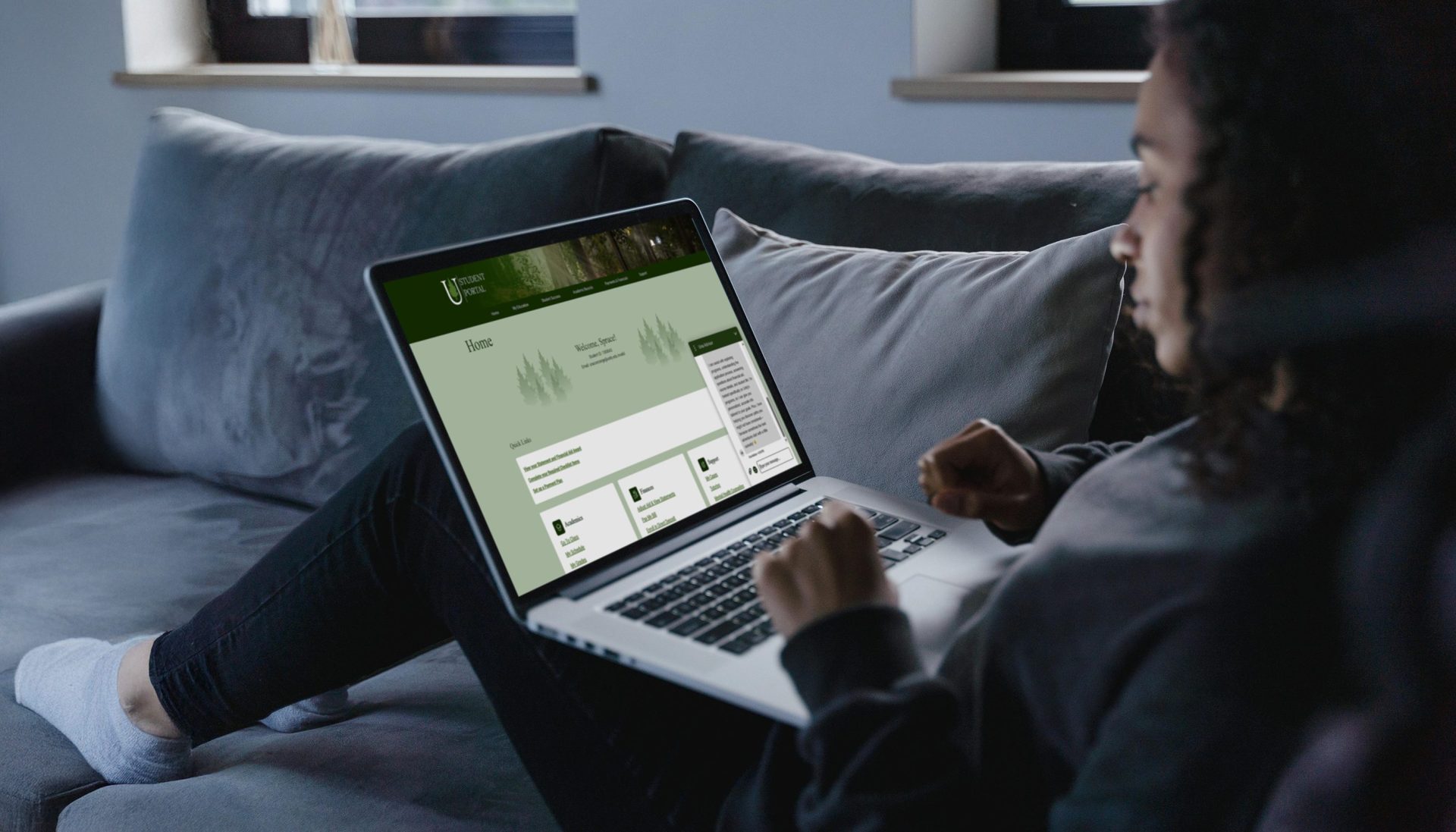
Applying to college and managing a degree both come with a lot of moving pieces. Una Navigator is Unity’s AI sidekick for applicants and students, built into your portals. At the start of every chat, Una checks your records, so the help fits where you are right now: applying, registering, studying or getting ready to graduate.
No waiting. No guessing. No digging through emails. Una is there any hour of the day. If something needs a human touch, Una gets you to the right person faster.

When Should I Use It?
If you’re wondering, “Am I missing something?”, Una is a great place to start.
What Can I Ask?
Una uses your portal information to give personalized answers and take action.
Why Do People Use It?
If something is complex or needs a human touch, Una gets you the right person faster.
Una Navigator doesn’t just answer questions. With your OK, Una can:
Una always asks before it sends or changes anything.

If something is complex or needs a human touch, Una gets you to the right person faster.
Una Navigator is Unity’s AI sidekick in the applicant and student portals. It replaces Una Concierge and Una Advisor. It supports you from application to graduation.
Applicants and current students can use it. You open it from your own portal after you sign in.
Log in to your applicant or student portal and open the chat. The chat on unity.edu is Una for prospective students.
No. Una is an AI sidekick. Its answers are written by AI from your records and Unity’s information. If you need a person, Una can message your advisor or concierge.
With your OK, Una can message your advisor or concierge, update your mailing address, set text reminders, text you your identity verification link and open an IT ticket. Applicants can also change their program or start term. Una asks before it sends or changes anything.
Una Navigator works only after you sign in to your portal. It sees your own Unity records. It never sees your password, Social Security number, or bank and card details. It can’t see anyone else’s records.
Most replies take 15 to 30 seconds. Una looks up your records first.
Not at the moment. Una Navigator lives in the portal chat. Una can text you a reminder or your identity verification link when you ask.
You sign in to your portal before you can chat with Una Navigator. Once you’re in, Una can see your own Unity records and nothing else. It never sees your password. It never sees your Social Security number or your bank and card details. It can’t see anyone else’s records. Una only works from what’s yours.
Your chats are saved, and a short summary goes on your Unity record. The staff who support you can see it, so you don’t have to repeat yourself. Una uses it to pick up where you left off.
Una’s answers are written by AI. If something looks off, or it’s something important, ask Una to message your advisor or concierge.
Curious what Una knows about you? Just ask, “What do you know about me?” You’ll get a plain answer.
On a shared computer? Close the chat window and confirm that you want to end the chat before you log out.
College life isn’t always smooth. If you’re feeling stressed or worried about money, Una responds with care and can share 211 for food, housing or bills. If someone may be unsafe, Una shares the 988 crisis line. Una can also message your advisor or concierge for you.

