

Step-by-Step Prompts
Breaks complex assignments into manageable steps. Una guides students through each stage, helping them tackle challenges without feeling overwhelmed.

AI is powerful, but using it well in education is challenging. Most institutions struggle to implement technology across the curriculum in ways that are consistent, scalable, and meaningful. As a result, many ed-tech tools work well for individual instructors or highly motivated students, but fail to support learning at an institutional level. Over time, this fragmented approach benefits a few, while leaving most learners behind.
AI tools in higher education have followed the same pattern. Many are designed for convenience or productivity, not learning. Some students and faculty figure out how to make them useful. Most don’t. At Unity Environmental University, we’ve taken a different approach.
Designed and developed in-house, Una Guide is Unity’s assignment-support model, powered by ALIGN (Adaptive Learning, Insight, and Navigation). By asking thoughtful questions instead of giving answers, Una helps students tackle challenging coursework, build confidence, and develop real understanding. All guidance is aligned with expert pedagogy, combining human expertise with the scalability and flexibility of AI. Students receive personalized support while ensuring guidance is accurate and reliable.
We build our AI tools to keep the students learning goals in mind. Una Guide activities are made so the agent knows the criteria of the assignment and is enabled to help guide the user while preserving their agency. We added an active reflection step to make the AI’s assumptions clear and prevent the agent from agreeing before working through what the student has actually said.


Una is embedded directly in the course, giving students:
Una guides students along paths designed for adult learning and adapts in real time to their responses. It runs on a human-designed backbone that is continuously refined each term by faculty, learning experts, and administrators. Una supports students fully without doing the work for them or shortcutting the learning process.
Generic AI agents are powerful tools. But they are not designed by people who know or necessarily care about learning. Furthermore, as a product of an environmental sciences institution, ALIGN is designed with the express purpose to be energy efficient. And so we think we may be one of very few institutions to have discovered the synergy between these two goals: efficiency and learning actually complement each other. That is what we put into ALIGN, and what you experience with Una.
We also couldn’t ignore the environmental cost of AI, since most commercially available AI models are energy-intensive and inefficient, especially when scaled for student use. Since we know that smaller task-specific models dramatically reduce energy consumption, ALIGN was intentionally built to prioritize effectiveness with efficiency.
The result:
In short, ALIGN is a reliable and guilt-free learning engine designed to support students without replacing the work of learning. It won’t hallucinate answers or complete assignments for students, and it adapts to support each learner, all while minimizing environmental impact.
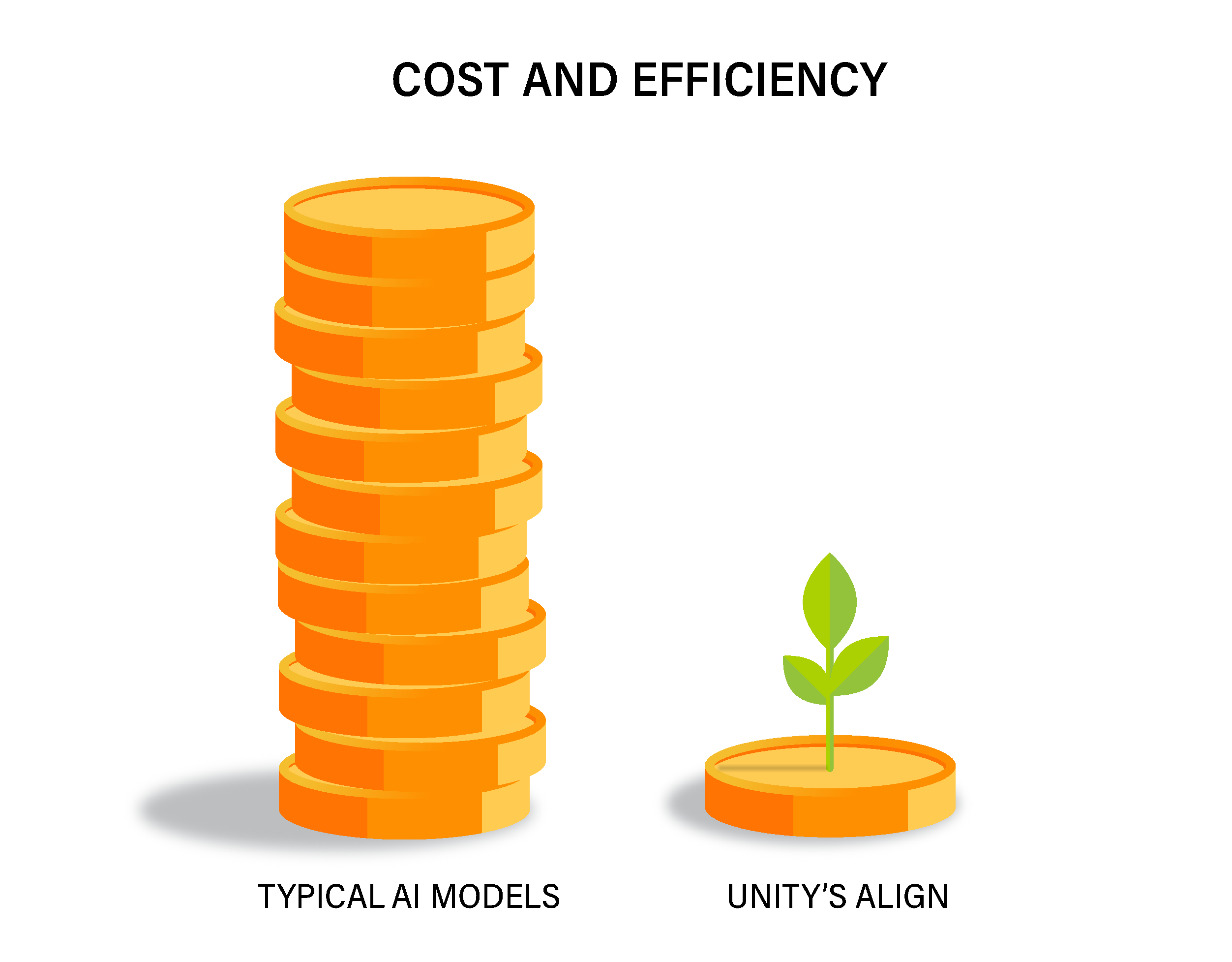
In short, ALIGN is a reliable and guilt-free learning engine designed to support students without replacing the work of learning. It won’t hallucinate answers or complete assignments for students, and it adapts to support each learner, all while minimizing environmental impact.
Una Guide helps students stay focused on their learning goals by clearly tracking and surfacing progress. Each prompt is a rung on a ladder approaching specified outcomes, and students can see how far they’ve come at any point in the session. At the end of each session, Una Guide surfaces a reflective synthesis of the student’s journey, their relationship and progress relative to the skill or topic being taught, and a downloadable transcript that can be submitted for assessment.
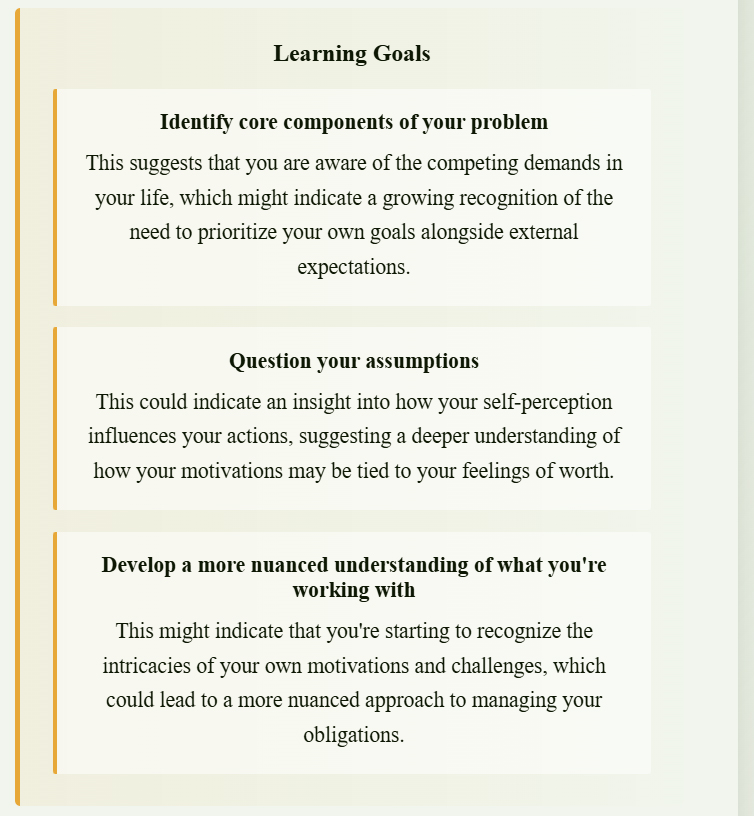
Breaks complex assignments into manageable steps. Una guides students through each stage, helping them tackle challenges without feeling overwhelmed.

Reinforces understanding and critical thinking. Instead of giving answers, Una asks questions that help students reflect and build real knowledge.

Responds to each student’s progress. Una adjusts support dynamically, ensuring students get guidance tailored to their pace and learning style.

Gives students additional help without revealing answers. Features like the “I’m Stuck” dialogue act as a mediated scratch pad for brainstorming ideas.

Captures student goals and preferences through prompt responses. Students can edit or lock fields to control what Una Guide knows.
